
Show it. Don’t type it.
PersonalCapture puts your notes right on the screenshot, so anyone gets it in one look. Screenshots, annotations and screen recording for Mac.
- USD 5.99 once
- No subscription
- Stays on your Mac
- macOS 14+

See PersonalCapture in one minute
A quick tour of capture, annotation, recording and the comparison, plus a short story about explaining a bug without the back and forth.
Plays with sound. English narration with captions.Feedback shouldn’t take ten messages.
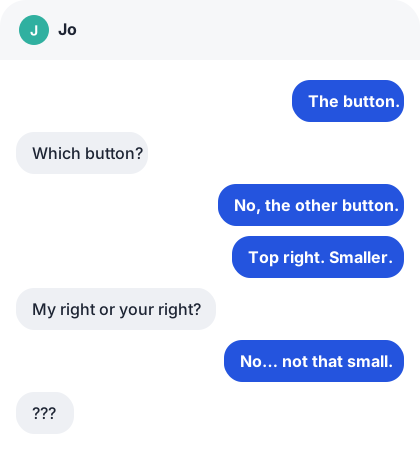

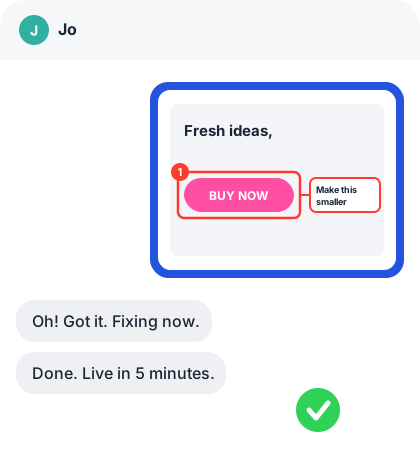

One screenshot replaces ten messages.
Three steps. Seconds, not minutes.
Capture
Grab an area, a window, your display or a full scrolling page.
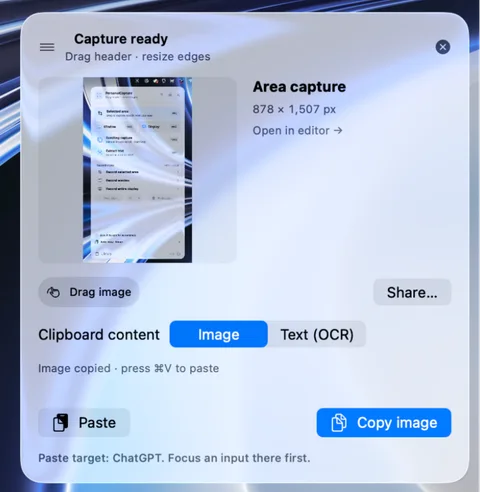
Explain
Add callouts, numbered steps and comments right on the image.
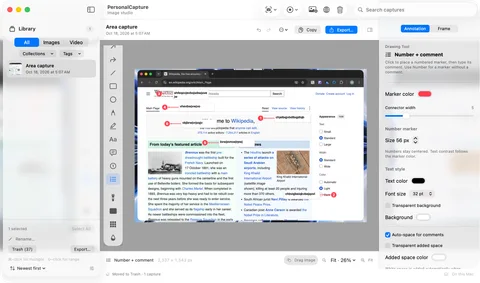
Share
Copy, drag or export. Everyone sees exactly what you mean.
One app for every screenshot job.
Scrolling capture
Stitch a long page into one clean image.
Text recognition
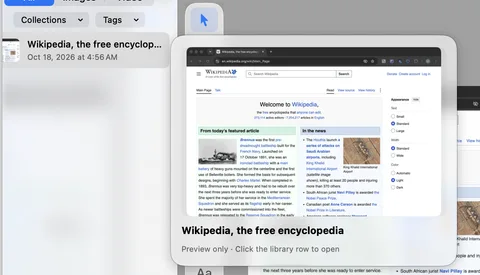
Copy text from any screenshot, right on your Mac.
Screen recording
Record with zoom, cursor effects and camera.
Redact and blur
Hide private details before you share.
Searchable library
Find any capture by the text inside it.
One price
Every feature. No subscription. No tiers.


 Public preview
Be first to get PersonalCapture.
USD 5.99, one time. Every feature included.
Public preview. Sales open soon. We’ll only use your email to tell you when they do.
This development build is not a signed, notarized release. Operating-system and hardware release validation is still in progress.