Capture with intention
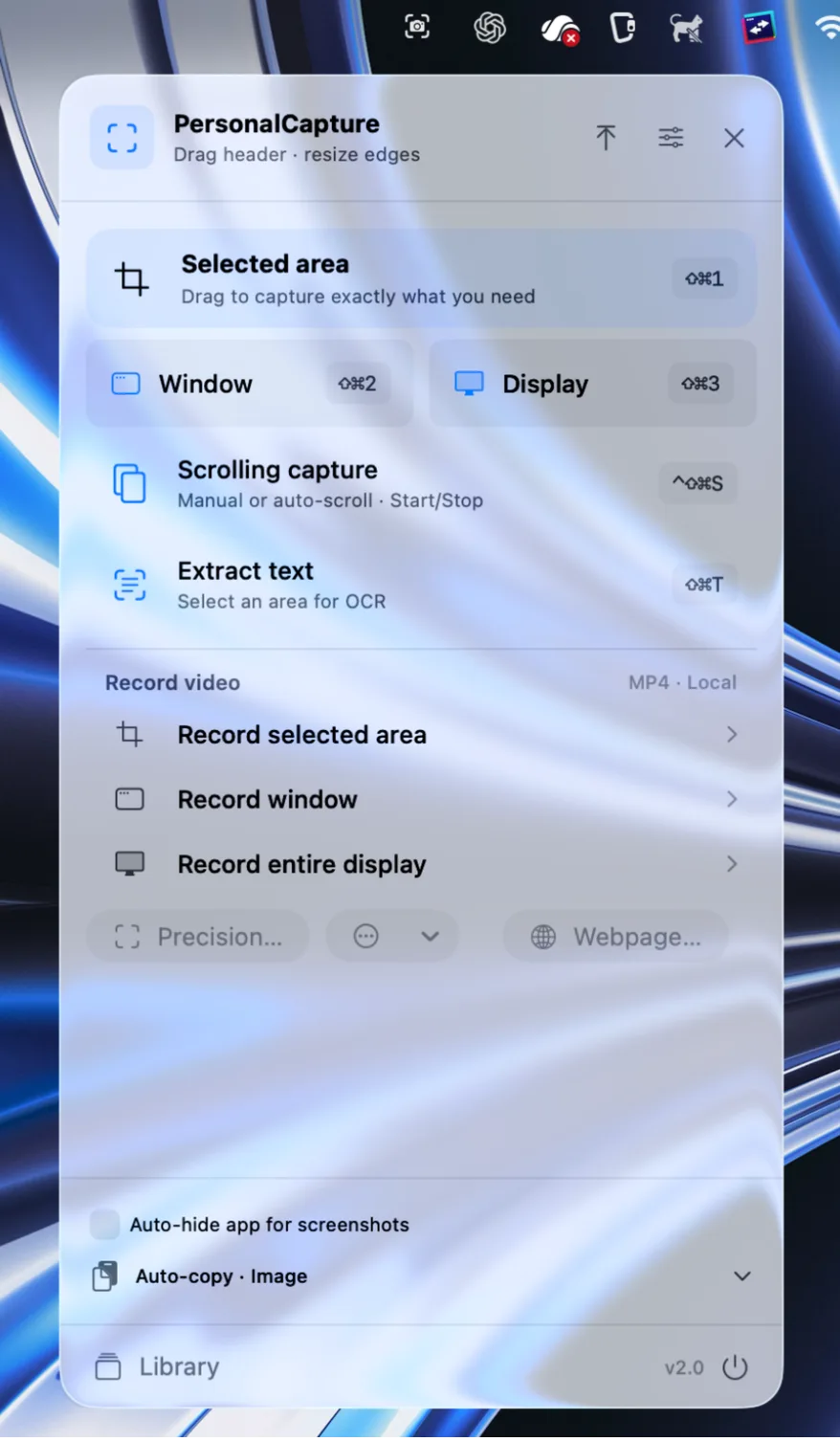
Area, window, or display. Set exact dimensions, an aspect ratio, a timer, or repeat the previous area. Choose whether the app hides for screenshots.
Capture a detail. Explain an idea. Keep it close. A native screenshot and recording workspace with on-device text recognition and a local library.

Eleven everyday screenshot and recording problems, and how PersonalCapture fixes each one. Plus a 1-minute tour and a short story.
Plays with sound. English narration with captions.Real interactions in the app. Pick a tool and watch the idea take shape.
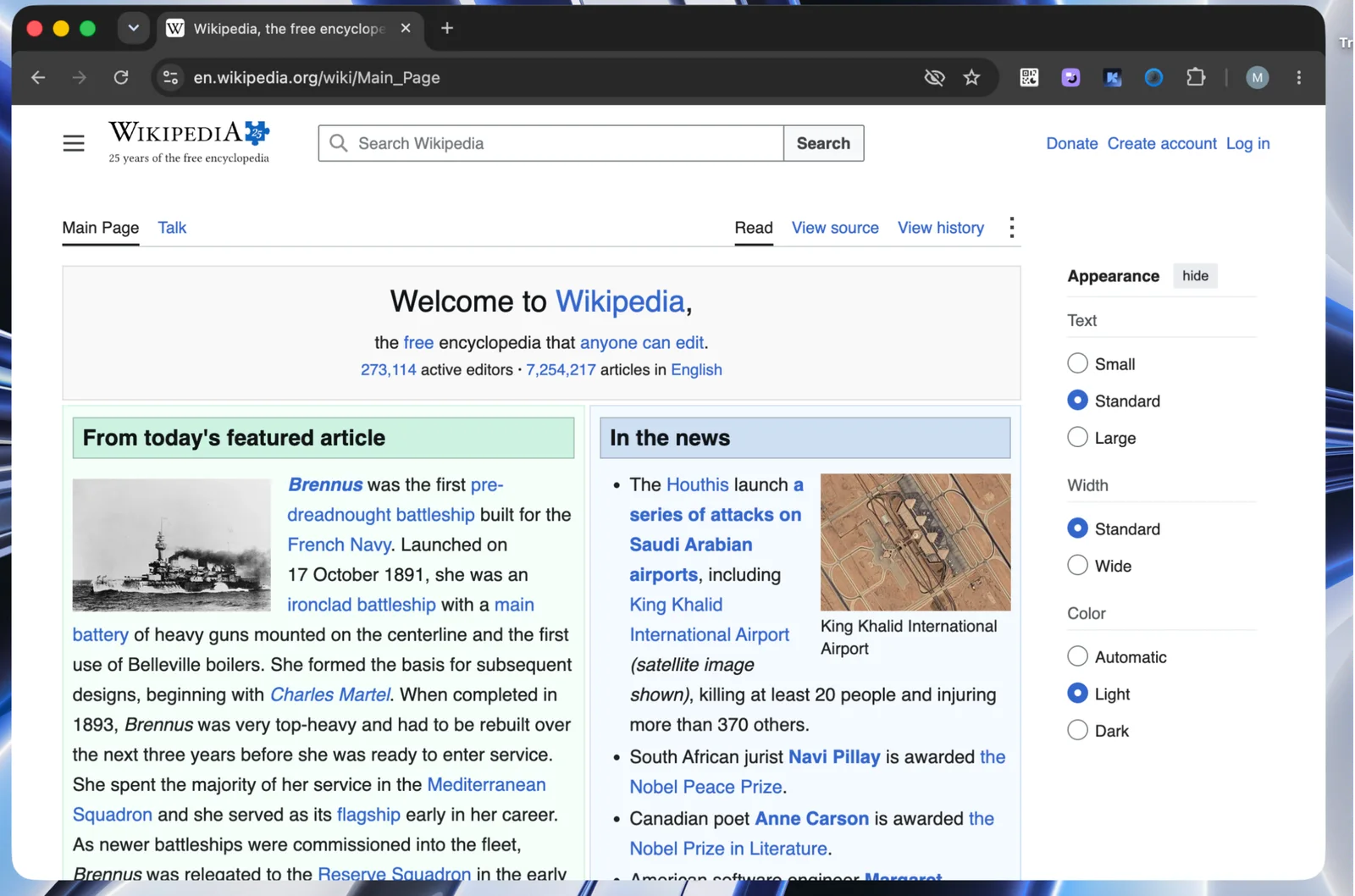
Choose Selected area, drag around the detail, and open the capture in the editor.
Silent demonstration · Original recordings supplied by the founder.Capture, explain, organize, and record in one local workspace.
Area, window, or display. Set exact dimensions, an aspect ratio, a timer, or repeat the previous area. Choose whether the app hides for screenshots.
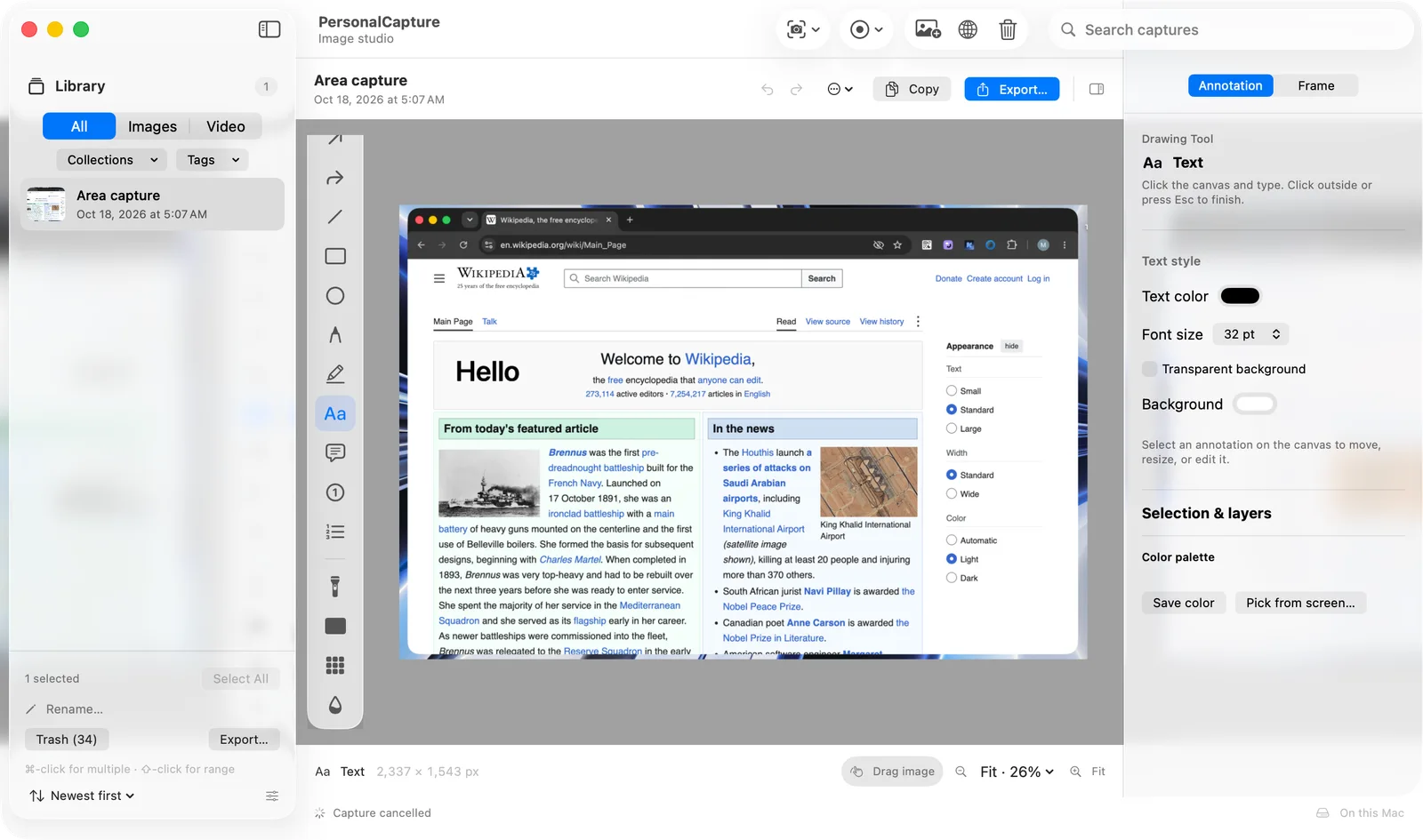
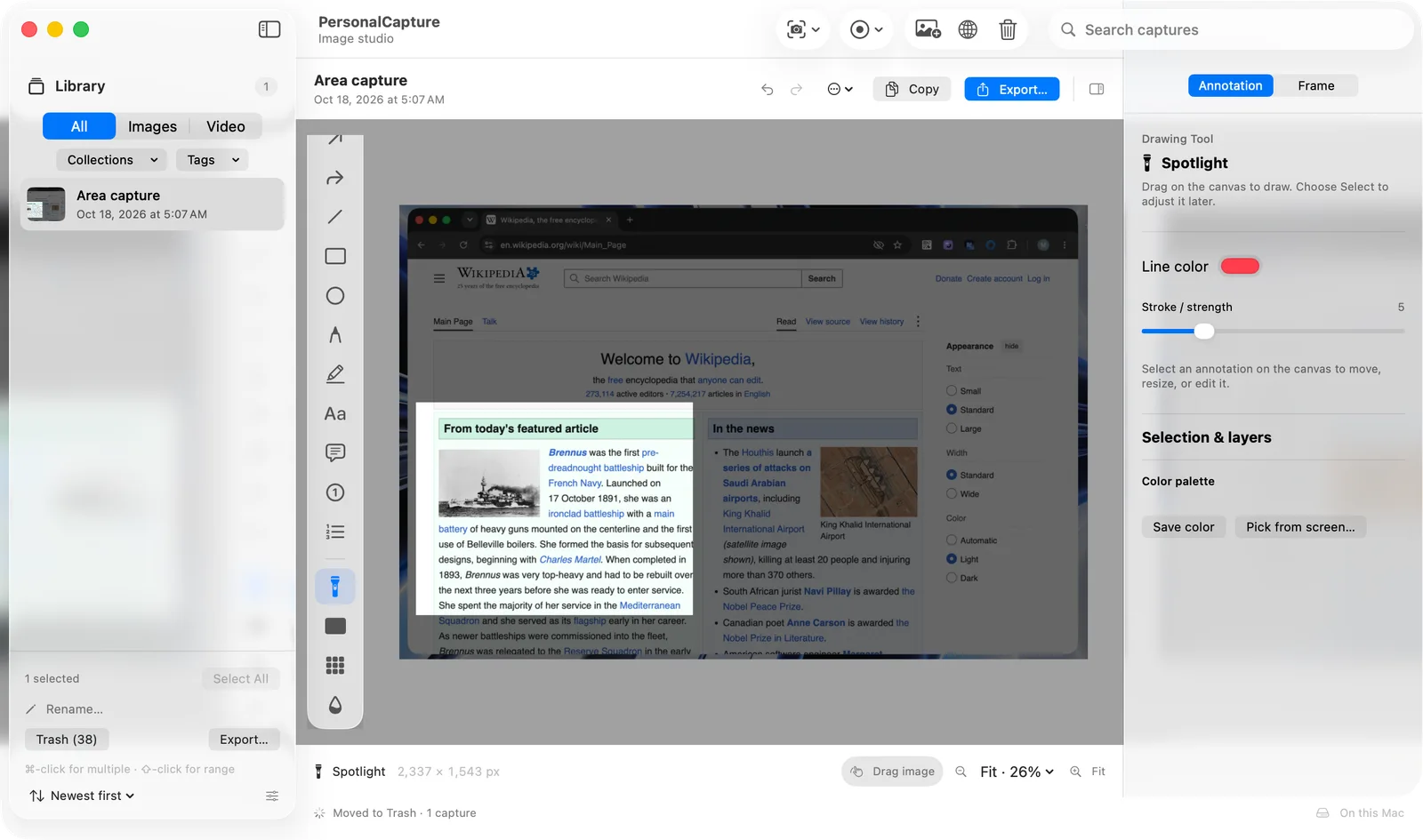
Crop, arrows, curved arrows, lines, shapes, pencil, highlighter, and editable text. Tooltips explain each tool. Group, align, and duplicate objects.
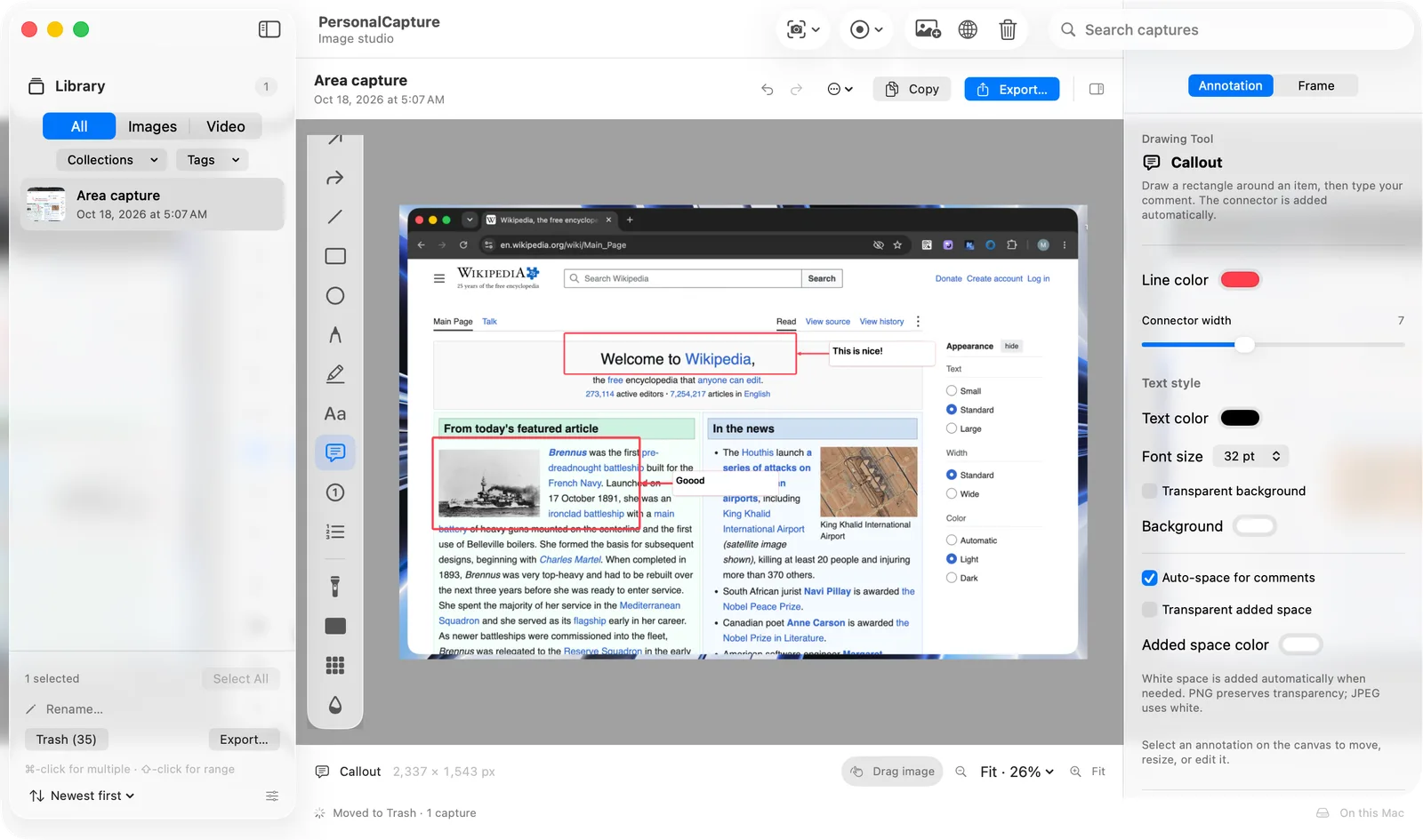
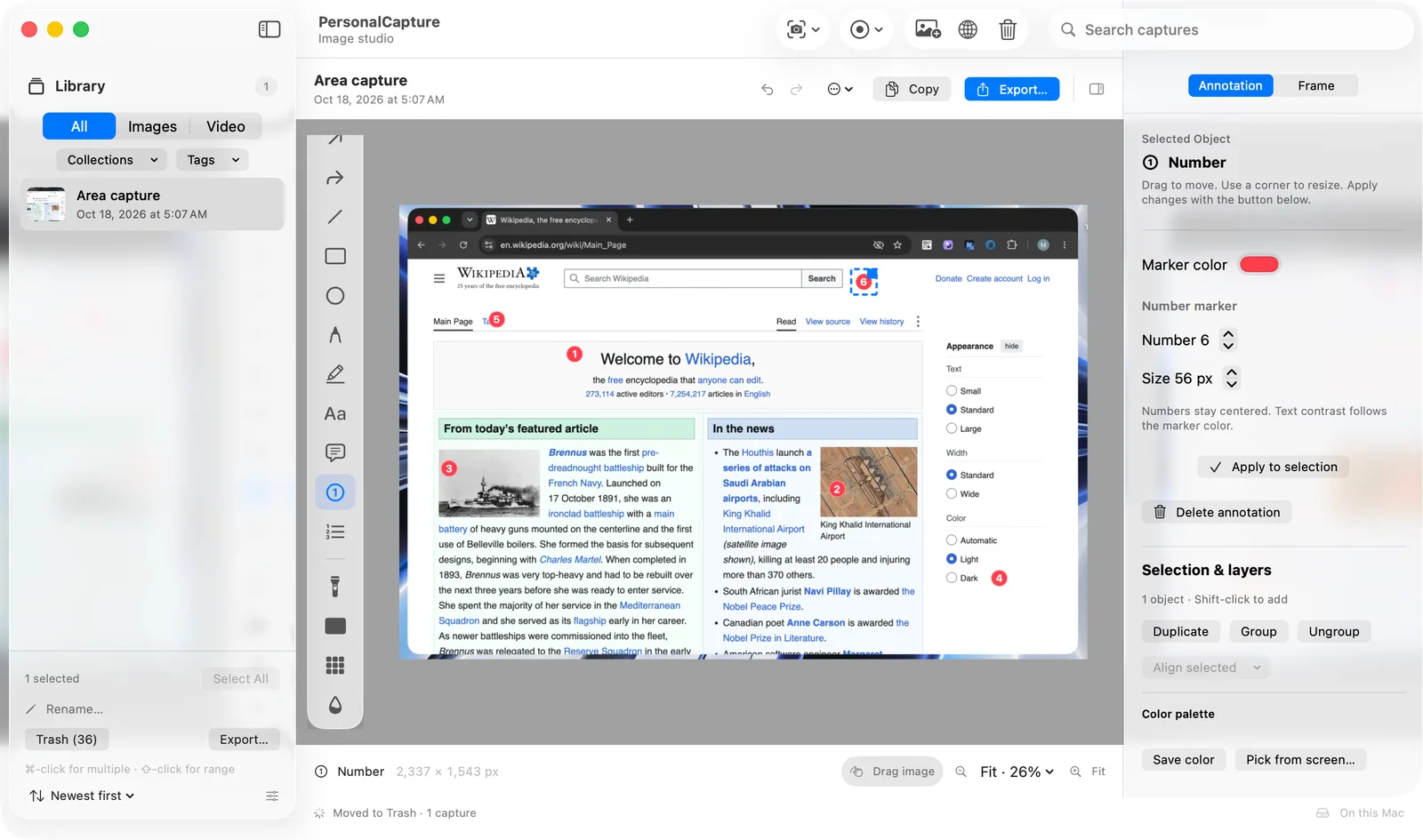
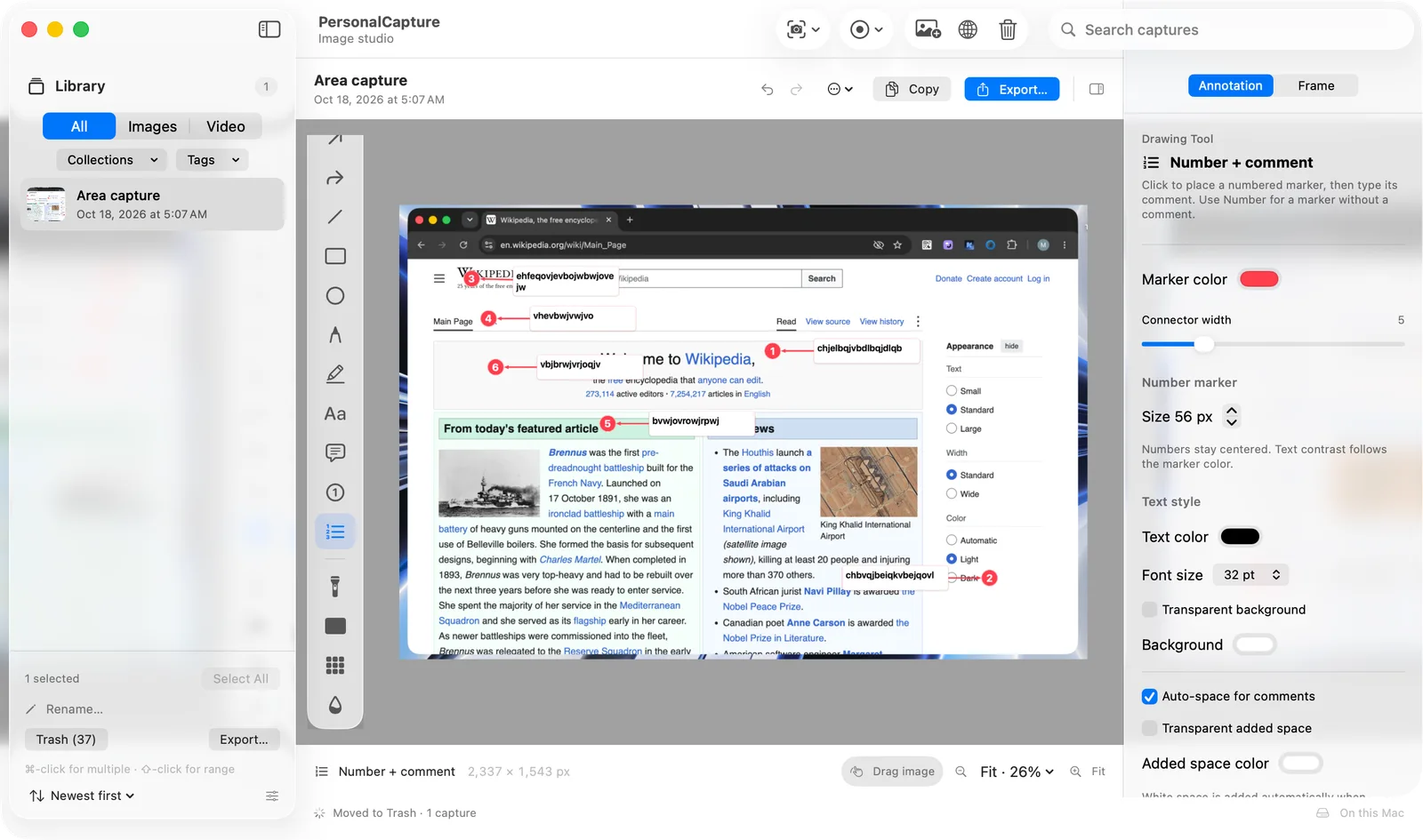
Connected callouts, centered numbers, and separate numbered comments. Automatically add side space in white, a custom color, or transparency when a comment needs room.
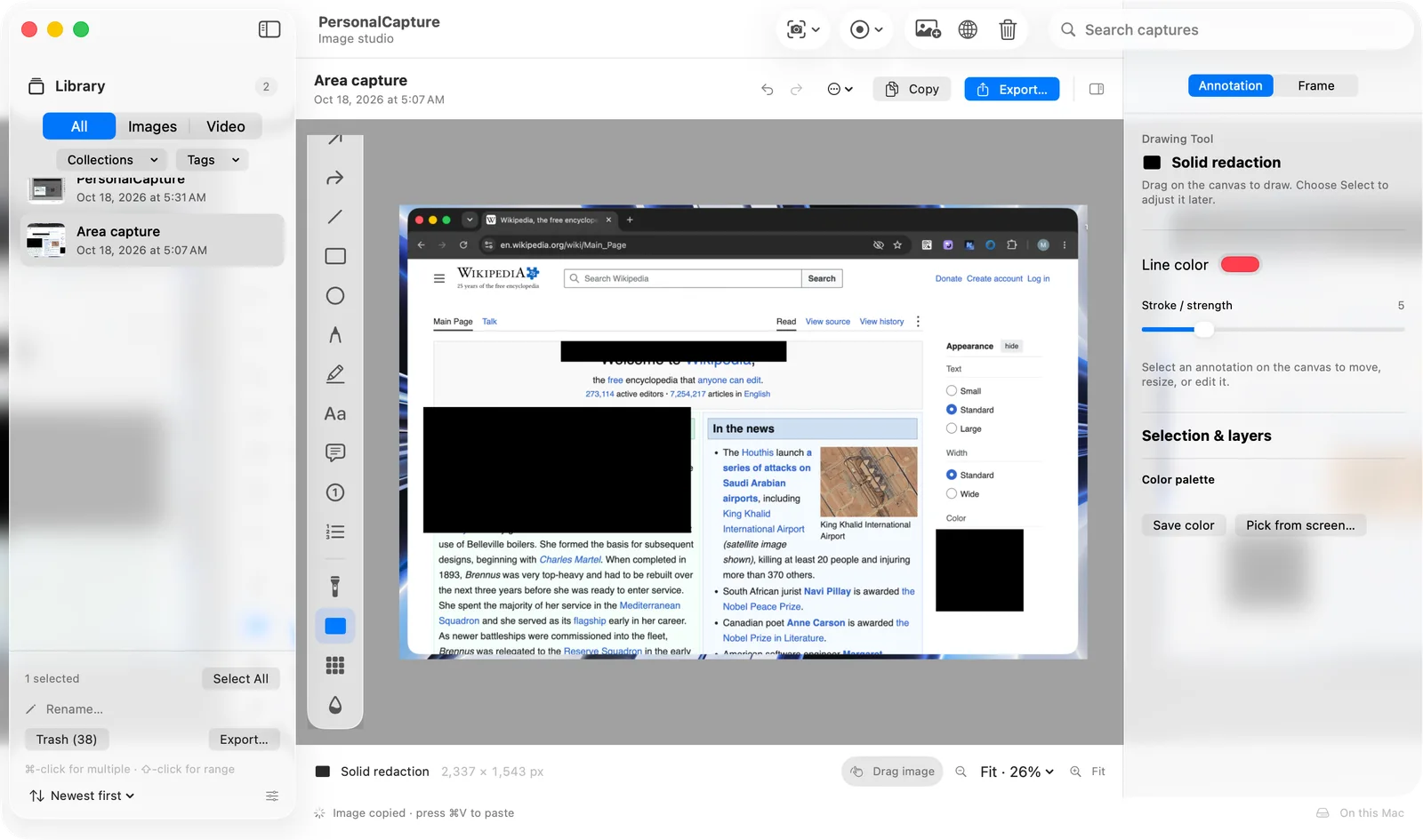
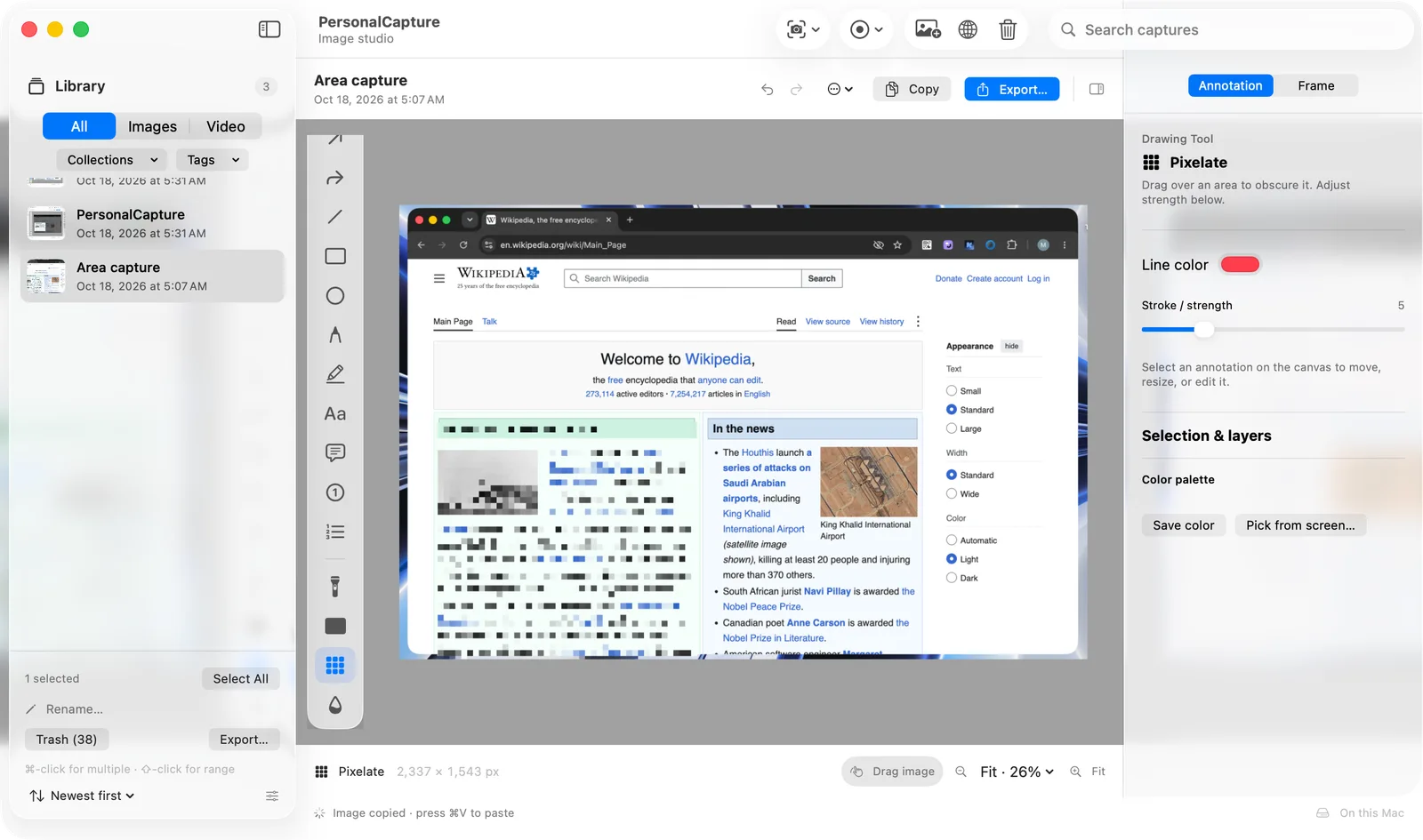
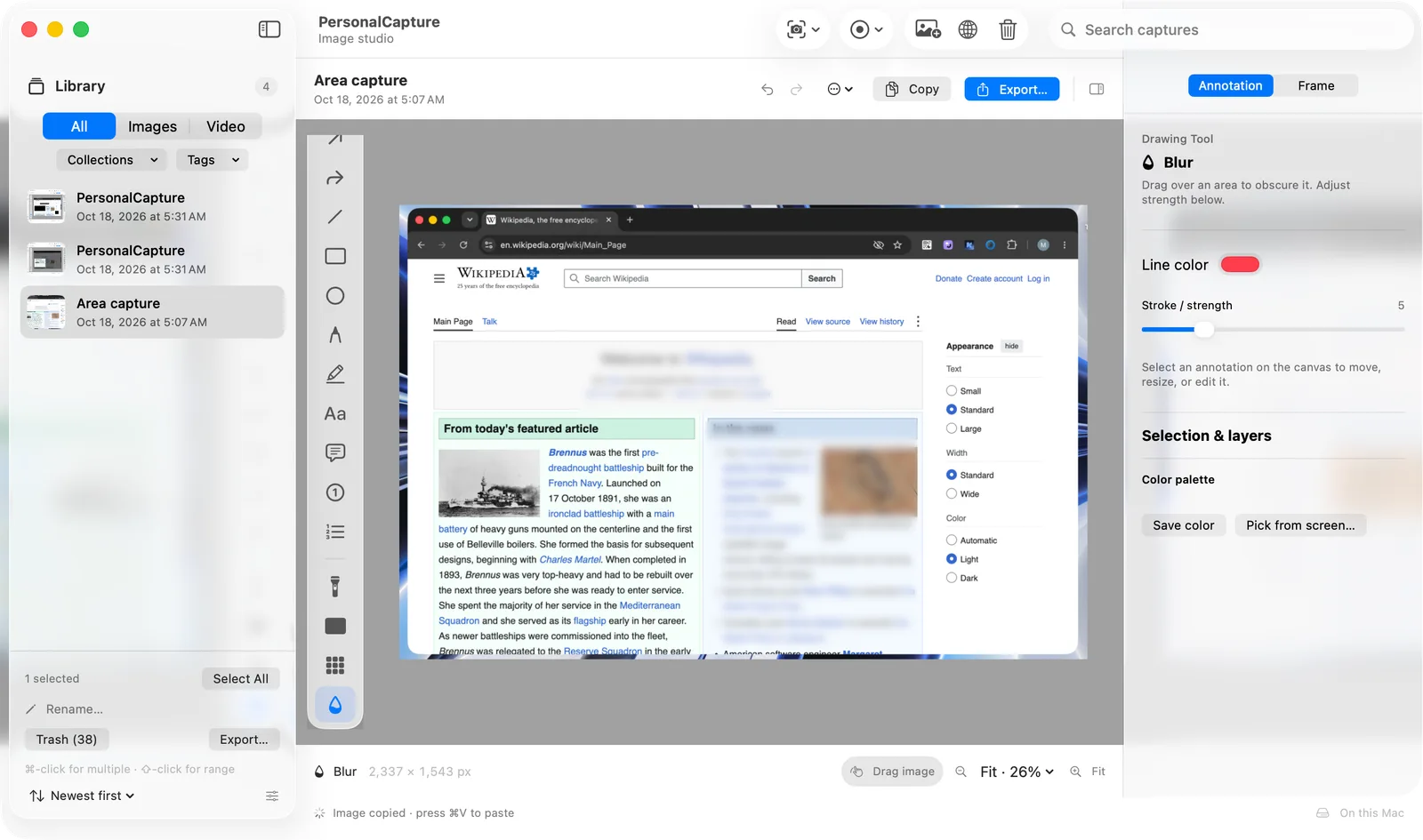
Use solid redaction for flattened exports. Blur, pixelation, and spotlight remain separate visual tools. Preview the result before sharing.
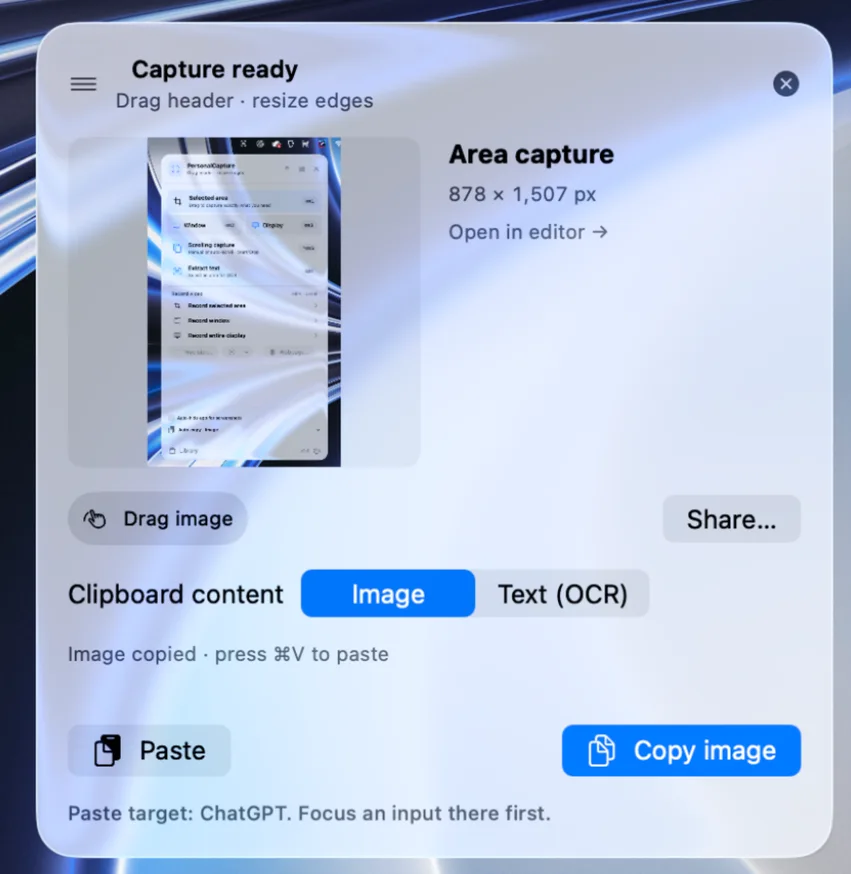
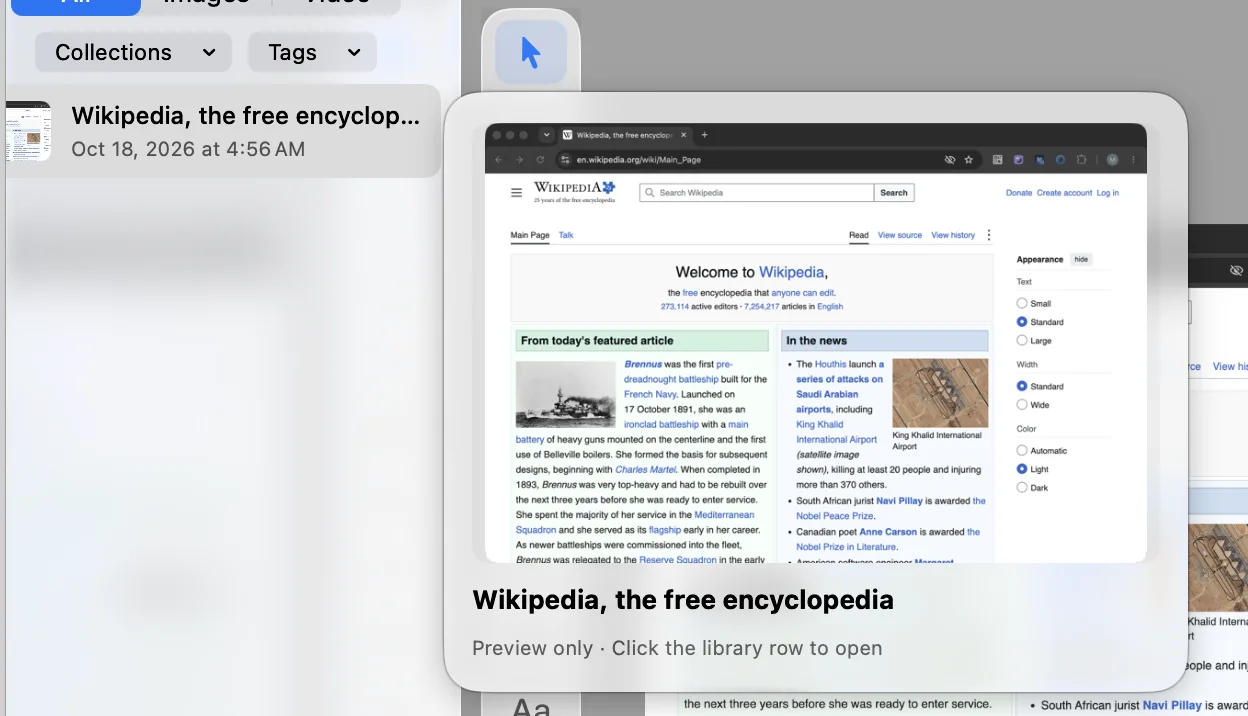
Local OCR and QR reading, searchable text, tags, collections, batch export, and recoverable Trash. Floating previews support copying, sharing, and dragging images.
Record an area, window, or display. Pause and resume. Edit zoom, cursor effects, camera placement, and framing; export MP4 or silent GIF. Capture screenshots while recording or paused.
Keep your composition editable in a local .pcapture project. Add image layers, original backgrounds, spacing, and saved styles before export.
Recording controls stay out of the video; the app and its menu can remain visible. Camera and microphone are optional and require separate permission.

Genuine application views, from the floating menu to the finishing touches.
PersonalCapture 2.0 interface. User-supplied demonstration content; the app interface is in English.
Manual or automatic scrolling with Start/Stop and a stitched preview. Reliable overlap is required; sticky headers, repeated content, and fast jumps can prevent a good match. Accessibility permission is needed for auto-scroll. A separate scrolling session cannot run during recording.
Eight Mac alternatives, one transparent comparison. PersonalCapture combines local capture, connected comments, and recording at a planned accessible price.
PersonalCapture is still a preview. Competitors offer released products, and some include cloud, collaboration, or specialist tools we do not provide.
Product names and logos belong to their owners. No affiliation or endorsement. Public preview
USD 5.99, one time. Every feature included.
Public preview. Sales open soon. We’ll only use your email to tell you when they do.
This development build is not a signed, notarized release. Operating-system and hardware release validation is still in progress.
Not yet. This is a product preview. Sales remain disabled until release and purchase-delivery checks pass.
No account or activation is required in the app. Polar will handle future purchases and file recovery.
macOS 14+ is the target. Physical hardware and operating-system checks remain in progress. Liquid Glass uses macOS 26 APIs with earlier-system fallbacks.
Website translations do not imply a translated app interface. The demonstrations show the app in English.